Battery life is one of the most important aspects of any smartphone. Many Android users face problems such as fast battery drain, overheating, and reduced battery performance. Fortunately, there are several ways to improve battery life without purchasing a new device.
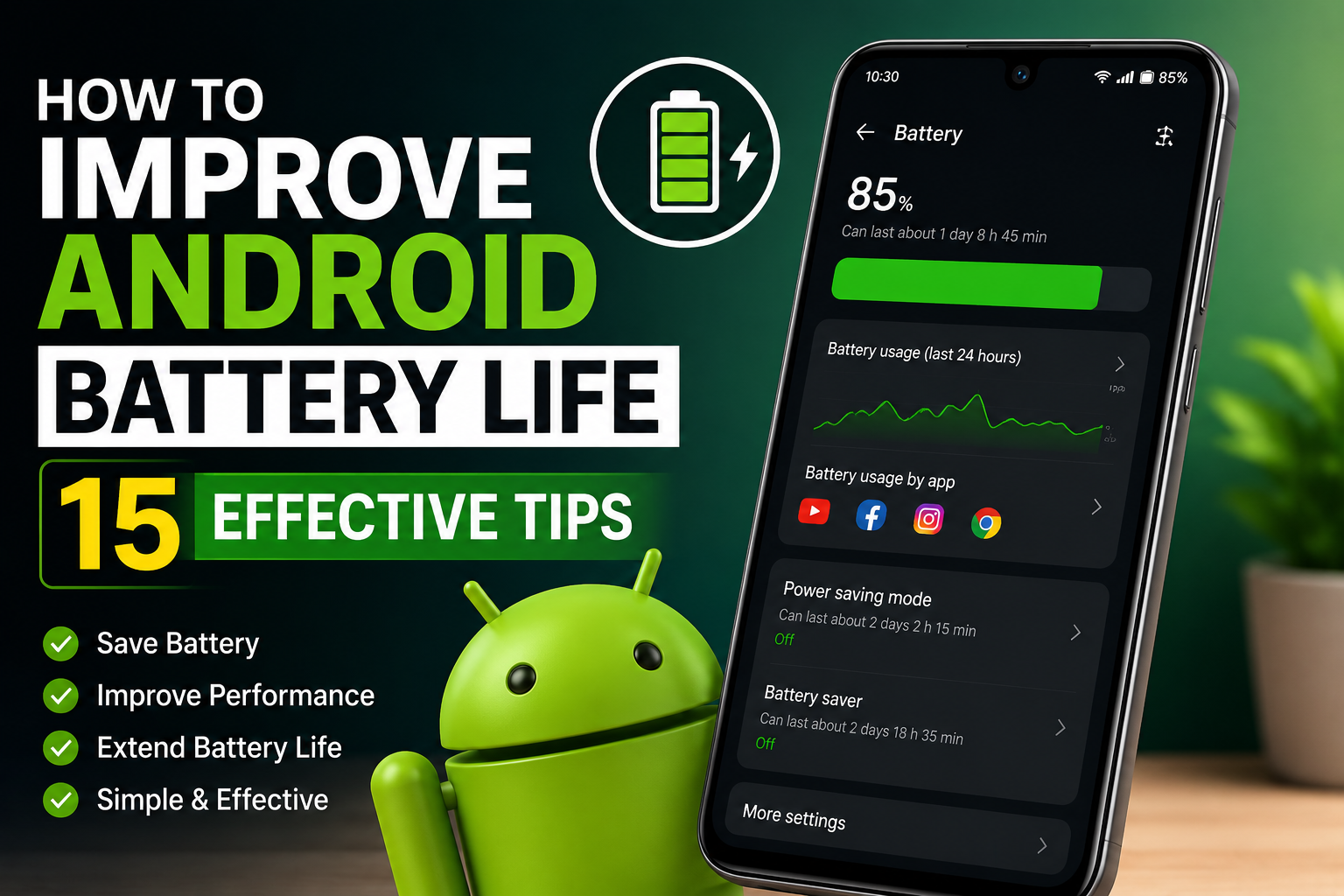
In this guide, we will discuss 15 effective tips that can help extend your Android phone’s battery life and improve overall performance.
1. Reduce Screen Brightness
The display consumes a significant amount of battery power. Lowering screen brightness can greatly increase battery life.
2. Enable Adaptive Brightness
Adaptive Brightness automatically adjusts screen brightness according to your surroundings, helping save battery.
3. Use Dark Mode
Many Android devices with AMOLED displays consume less power when Dark Mode is enabled.
4. Turn Off Unused Features
Disable Bluetooth, GPS, NFC, and Wi-Fi when they are not in use.
5. Limit Background Apps
Many applications continue running in the background and consume battery power. Close unnecessary apps regularly.
6. Enable Battery Saver Mode
Battery Saver Mode reduces background activity and extends battery life during low battery situations.
7. Keep Apps Updated
Developers often release updates that improve performance and battery efficiency.
8. Reduce Screen Timeout
Set your screen timeout to 30 seconds or 1 minute to avoid unnecessary battery consumption.
9. Remove Unused Applications
Unused apps may continue running services in the background and consume system resources.
10. Disable Auto-Sync for Unnecessary Accounts
Multiple accounts syncing continuously can drain battery quickly.
11. Use Wi-Fi Instead of Mobile Data
Wi-Fi generally consumes less battery compared to mobile data connections.
12. Avoid Extreme Temperatures
Excessive heat can damage battery health and reduce long-term performance.
13. Monitor Battery Usage
Check battery statistics in Settings to identify apps consuming excessive power.
14. Restart Your Device Regularly
Restarting your phone helps clear background processes and improve efficiency.
15. Update Android System Software
System updates often include battery optimizations and bug fixes.
Benefits of Better Battery Management
- Longer battery life
- Better device performance
- Reduced overheating
- Improved battery health
- Enhanced user experience
Common Battery Draining Mistakes
- Keeping brightness at maximum
- Running too many apps simultaneously
- Leaving GPS enabled all the time
- Using outdated applications
- Ignoring battery usage reports
Conclusion
Improving Android battery life does not require expensive upgrades. By following these simple tips, users can significantly extend battery performance and enjoy a smoother smartphone experience. Regular maintenance and smart usage habits are key to keeping your Android device running efficiently throughout the day.
Hi, this is a comment.
To get started with moderating, editing, and deleting comments, please visit the Comments screen in the dashboard.
Commenter avatars come from Gravatar.