Android smartphones come with many useful features that most users never discover. While people use basic functions like calling, messaging, and browsing, Android offers several hidden tools that can improve productivity, security, and overall user experience.
In this article, we will explore 10 hidden Android features that can help you get more out of your smartphone.
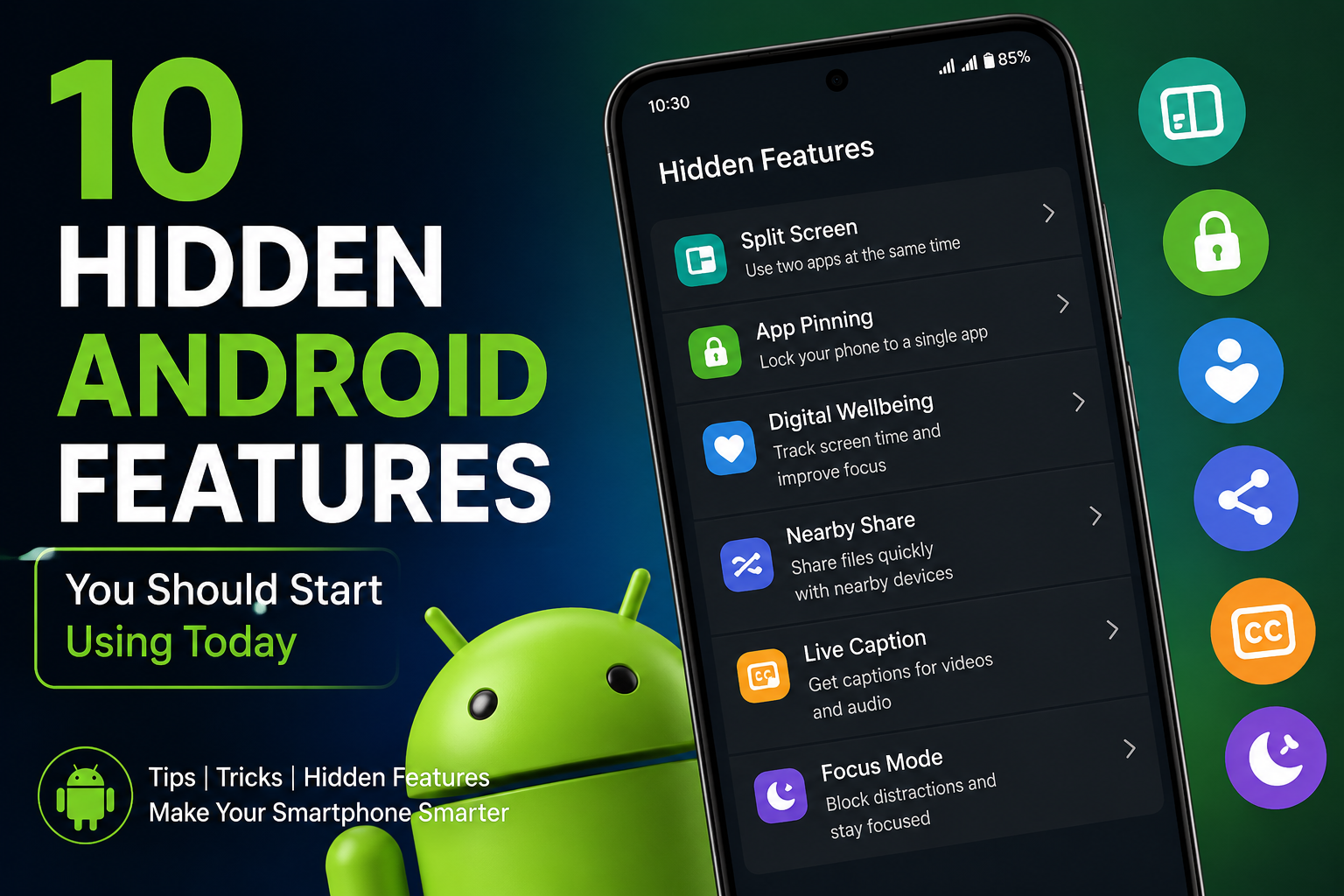
1. Split Screen Mode
Split Screen allows you to use two applications at the same time. For example, you can watch a video while taking notes or browse the web while chatting with friends.
To enable it, open recent apps and select the Split Screen option.
2. App Pinning
App Pinning lets you lock the phone to a single application. This is useful when giving your phone to someone else.
The user cannot access other apps without entering your security credentials.
3. Digital Wellbeing
Digital Wellbeing helps track screen time and app usage. It allows users to set app timers and reduce excessive smartphone use.
4. Nearby Share
Nearby Share makes file sharing between Android devices fast and convenient without requiring cables or third-party apps.
5. Live Caption
Live Caption automatically generates captions for videos, podcasts, and audio content, making content more accessible.
6. Focus Mode
Focus Mode temporarily pauses distracting applications so that you can concentrate on important tasks.
7. One-Handed Mode
Large smartphones can be difficult to use with one hand. One-Handed Mode reduces the screen size for easier access.
8. Guest Mode
Guest Mode creates a temporary user profile, keeping your personal data safe when someone else uses your device.
9. Emergency Information
You can add emergency contacts and medical information that can be accessed even when the phone is locked.
10. Smart Lock
Smart Lock automatically unlocks your device in trusted locations or when connected to trusted devices.
Benefits of Using Hidden Android Features
- Improved productivity
- Better privacy and security
- Enhanced smartphone experience
- Time-saving functionality
- More efficient multitasking
Conclusion
Android offers many powerful features that often remain unused. By learning and using these hidden tools, you can improve productivity, security, and convenience. Explore your device settings and take advantage of these features to get the most out of your Android smartphone.